By Brittany McLendon, Senior Content Writer — Reviewed by Kate Fuchs, Product Manager
Updated May 2026
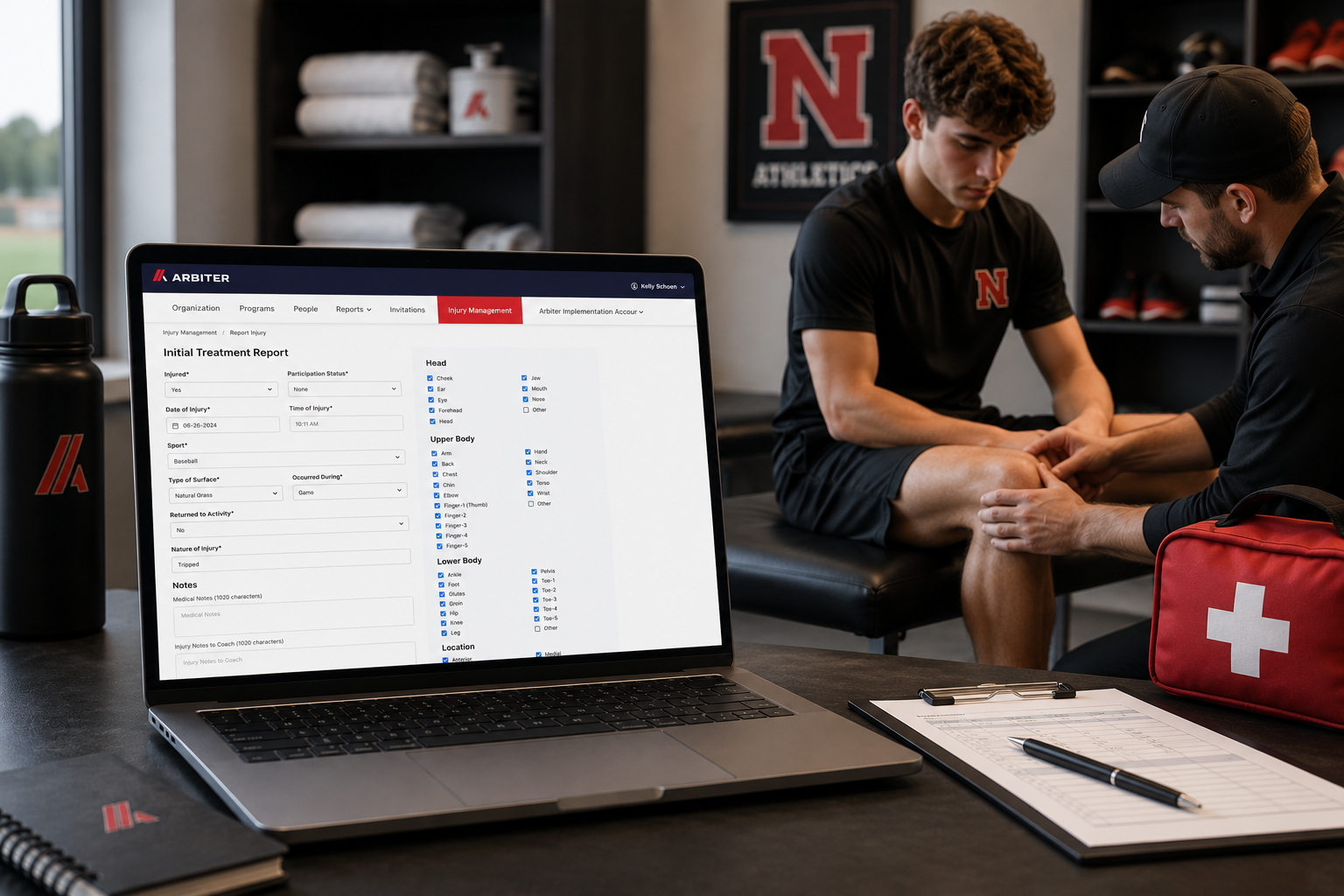
An athlete gets hurt at practice. You document the injury, notify parents, track follow-up visits, and keep your AD informed — all without switching systems.
That’s what Injury Management, part of Arbiter Registration is designed to do. Unlike standalone injury management software for schools, Injury Management stays connected to the athlete records, eligibility information, and participation data your department already manages every day.
This post walks through how the workflow works, what it replaces, and why connected injury management creates better visibility across your athletic department.
Built into Registration – Not Bolted On
Most injury tracking tools operate separately from the systems schools already use to manage participation, eligibility, and student information. That often means rebuilding athlete records, switching between platforms, and manually updating staff.
Injury Management works differently because it’s built directly into Arbiter Registration — where athlete information already exists.
When an injury occurs, staff already have access to:
- Registration data and emergency contacts
- Physical documentation and clearance status
- Eligibility records
- Sport and participation history
Everything stays connected to the same athlete record from the start.
You’re documenting against an existing record — not creating a new one.
How The Injury Management Workflow Works
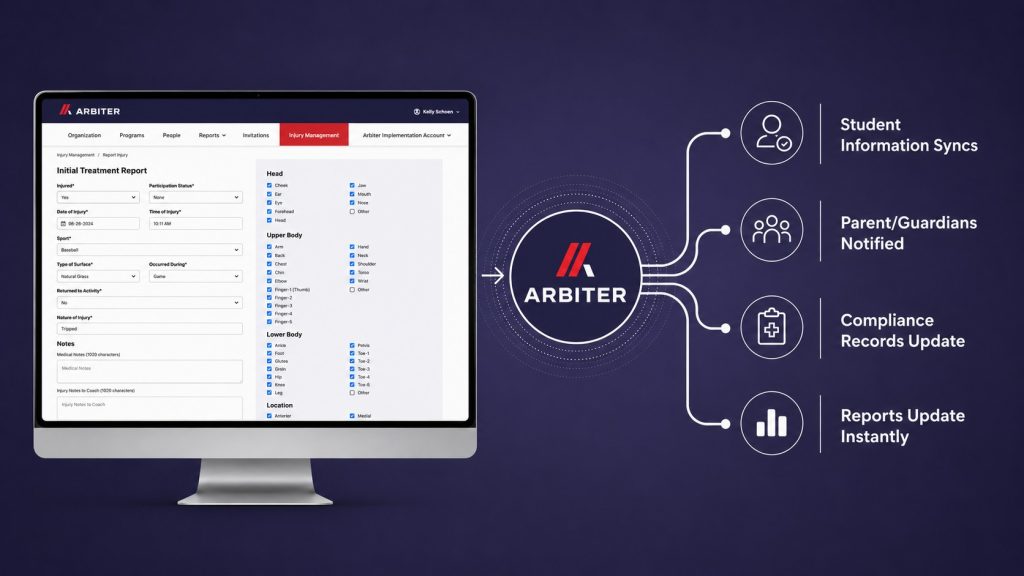
1. Document the injury
- Open Report New Injury directly inside Arbiter Registration
- Injury details are logged against the athlete’s existing Registration record
2. Notify parents immediately
- Send injury information to parents with one click
- Communication stays connected to the athlete record
3. Track treatment and follow-up visits
- Log treatment visits and recovery updates within the same injury file
- Treatment history builds automatically over time
4. Monitor recovery status in one view
- Return-to-play tracking stays connected to eligibility and participation records
- Injury details and recovery status remain centralized in one view
5. Keep Stakeholders Informed
- Trainers, coaches, and ADs access the same current information
- Visibility updates automatically without separate reporting workflows
Because Injury Management is connected to Arbiter Registration, eligibility, and participation records, trainers, coaches, and athletic directors all work from the same current information instead of managing separate systems or disconnected spreadsheets.
The seamless link to registration, easy file uploads, and control over report sharing have truly streamlined our process.
– Tracey Collett | Athletic Trainer, Westhill HS, NY
▶ See The Full Injury Management Workflow In Action
What Your Athletic Department Gains
Less administrative work
- Less duplicate data entry across systems
- Fewer manual status updates and reporting workflows
- One connected process for injury tracking, communication, and recovery management
Better visibility across the department
- Trainers, coaches, and ADs work from the same current information
- Participation and return-to-play status stay connected to eligibility records
- Staff access injury information without relying on separate spreadsheets or emails
More consistent documentation
- Every injury, visit, and notification recorded in one place
- Mobile access supports documentation at practices, games, and tournaments
- Complete documentation history available for compliance, parent communication, and liability review
Arbiter Registration helped significantly with streamlining our eligibility process, communicating more effectively and most importantly, having information readily accessible to our coaching staff at the click of a button.
— Michael Hart |Athletic Director, Weddington HS, NC
Ready To Replace Disconnected Injury Tracking Workflows?
Injury Management is already built into Arbiter Registration — connecting athlete care, eligibility, communication, and participation records in one workflow.
See how schools are managing injuries without separate platforms, spreadsheets, or manual reporting processes.
See Injury Management in Action →
About the Author
Brittany taught high school English for six years. She’s passionate about helping schools simplify operations so both staff and students can thrive.